Bulk Youtube MP3 Downloader for Windows
Windows GUI application built on Go, Walk and yt-dlp
Very straight forward to use. Add youtube URLs on the left side, one per line and when you are ready click get music at the bottom.
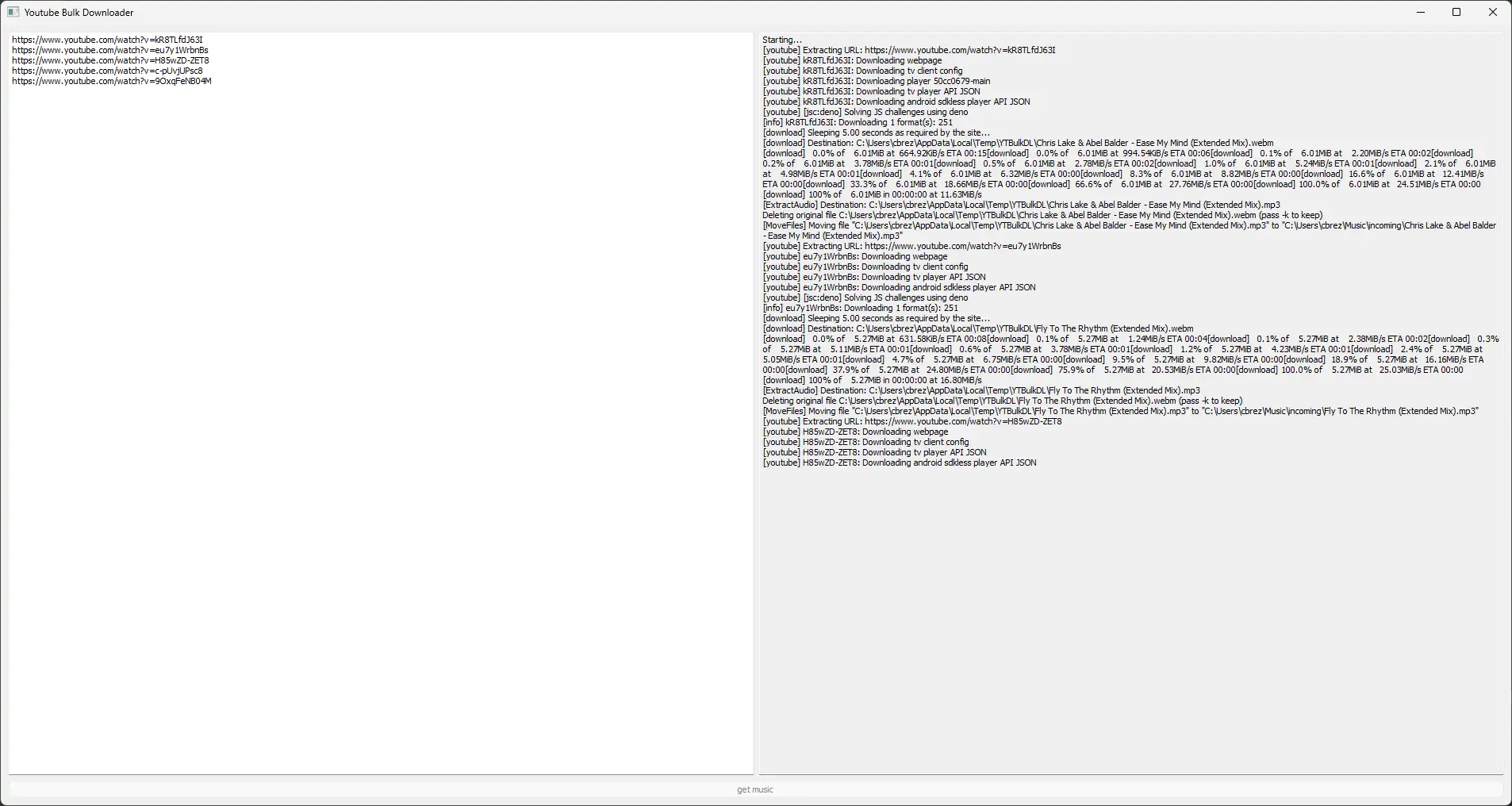
Currently, it will download at highest quality available in an MP3 format.
It downloads to your C:/Users/<CurrentUser>/Music/incoming.
If it can’t find your home directory, it will download to <WorkingDirectory>/Music/incoming
Installation
1. Download & Install yt-dlp
Easiest way is to use winget through the powershell. This will install all dependencies.
winget install yt-dlp
2. Download YTBulkDL
- Download the latest release from (https://gitlab.com/connorbrez/win-yt-bulk-dl/-/releases/permalink/latest).
- Run the executable file (
YTBulkDL.exe).